Bluey's Happy Snaps auf Deutsch
Bluey's Happy Snaps in German (Deutsch)
Spiele Bluey's Happy Snaps auf Deutsch: Installiere eine Übersetzung von Spielern oder erstelle deine eigene.
Bluey's Happy Snaps has German text but no German voice acting. Dub the voices with Tranzio, or rewrite the text your way.
Players also search for “Bluey's Happy Snaps deutsche Übersetzung” or “Bluey's Happy Snaps Deutsch Patch” or “Bluey's Happy Snaps deutsche Synchronisation” or “Bluey's Happy Snaps German patch” or “Bluey's Happy Snaps German mod” or “Bluey's Happy Snaps German dub”.
- languages it ships
- 10
- it can play in with Tranzio
- 115
- to download and install
- Free
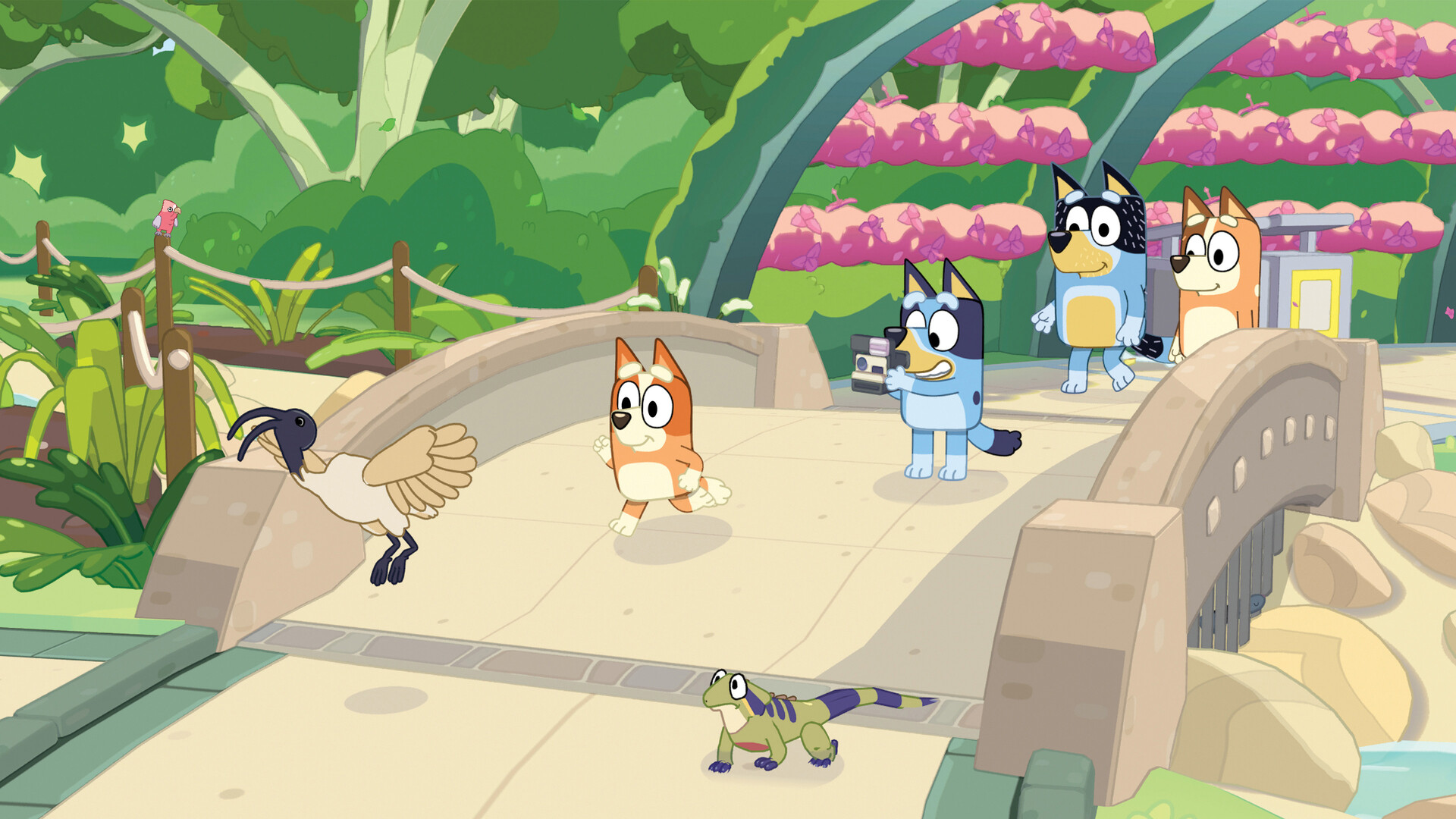 Before · English only
Play Bluey's Happy Snaps in English: install a translation made by players, or make your own.
After · With TranzioSpiele Bluey's Happy Snaps auf Deutsch: Installiere eine Übersetzung von Spielern oder erstelle deine eigene.
How to play Bluey's Happy Snaps in German
- 01 · About a minuteGet TranzioFree for Windows and Linux. Point it at Bluey's Happy Snaps in your Steam or Epic library.
- 02 · A few secondsInstall GermanPick a translation other players released and press Install. Nothing to copy, no files to edit.
- 03 · Right awayPlayLaunch the game as you always do. Want the original back? One click.
Why Bluey's Happy Snaps players use Tranzio
Most games ship in a dozen languages, and millions of players speak something else. Tranzio closes that gap one game at a time, with translations and dubs made by the players themselves. Your game files are never changed.
- Hear it in your languageDub Bluey's Happy Snaps's characters with AI voices or record them yourself, line by line.
- Watch it live in StudioPlay a scene and see and hear each translated line as it happens, before you build.
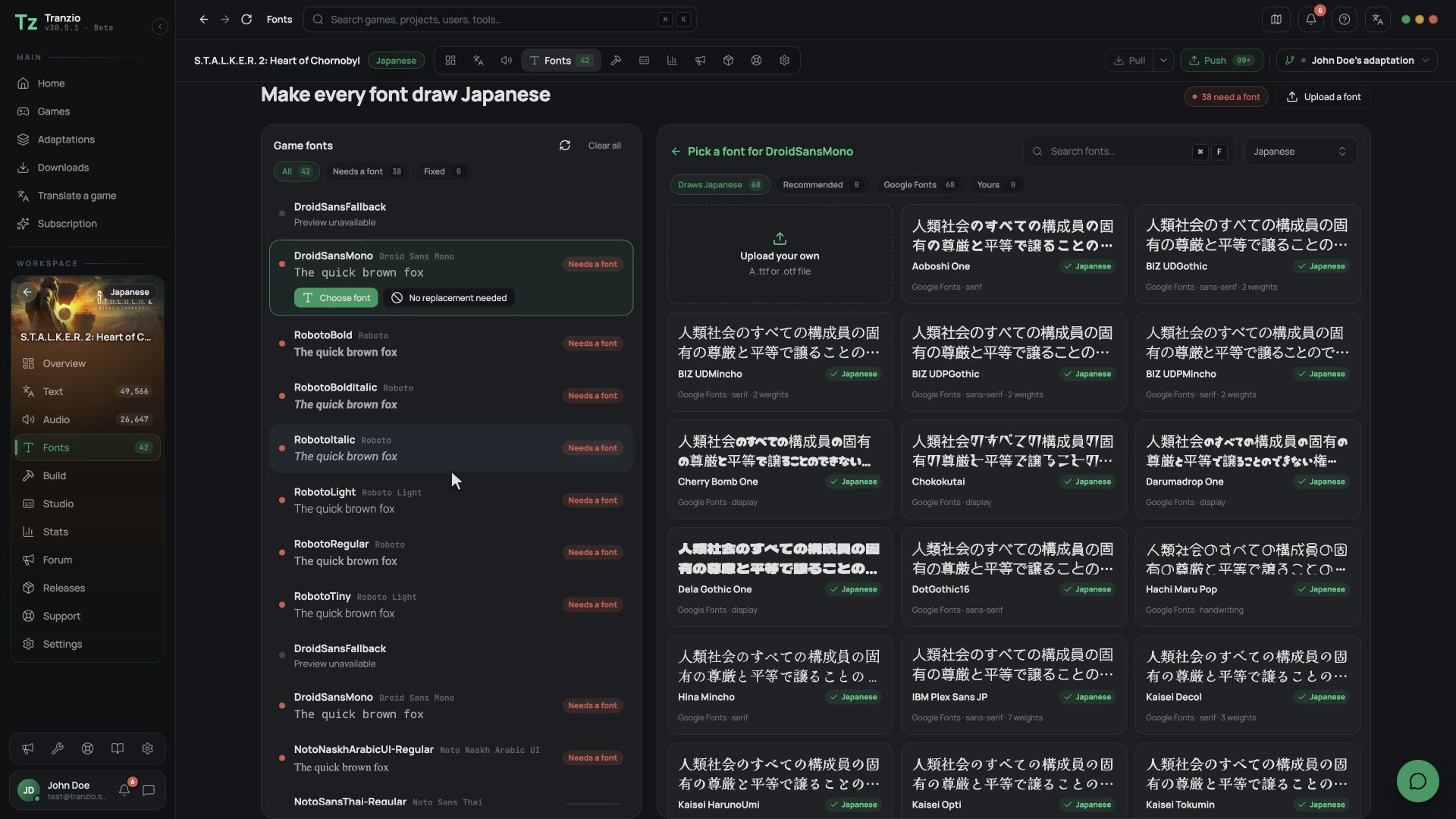
- Every word on screenMenus, quests, item names and subtitles, translated by hand or drafted by AI.
- Your letters, drawn rightFonts that show your alphabet instead of empty boxes.
Dub Bluey's Happy Snaps in German
Bluey's Happy Snaps is fully voiced in English. Tranzio lists every voice line beside its text, so you can give the characters your language's voice: record the lines yourself, or generate AI voices, and play the game with them.
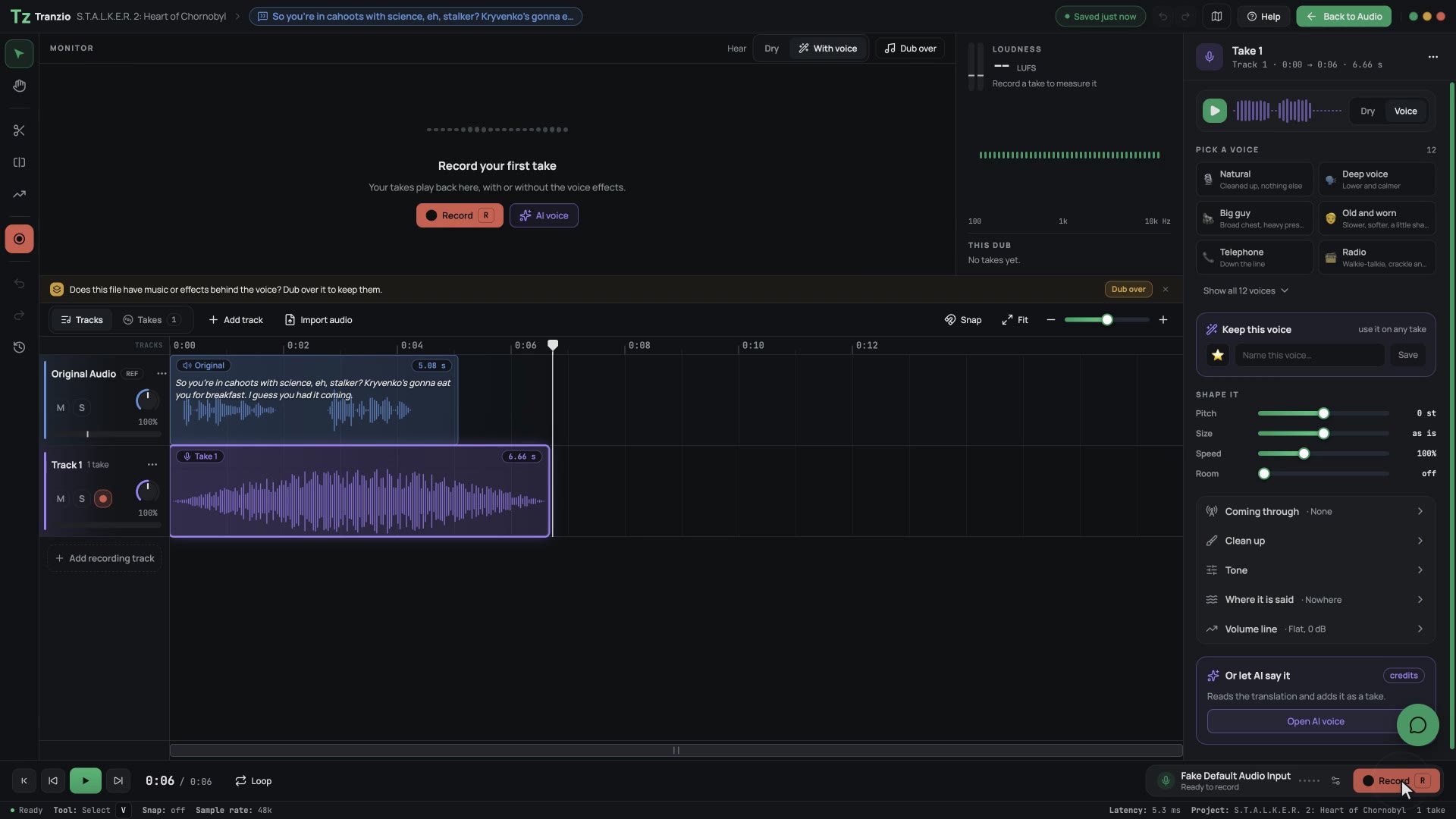
Give the characters your language's voice
Record a line yourself or let an AI voice speak it, shape the take and hear it against the original. The dub plays in the game like it shipped there.
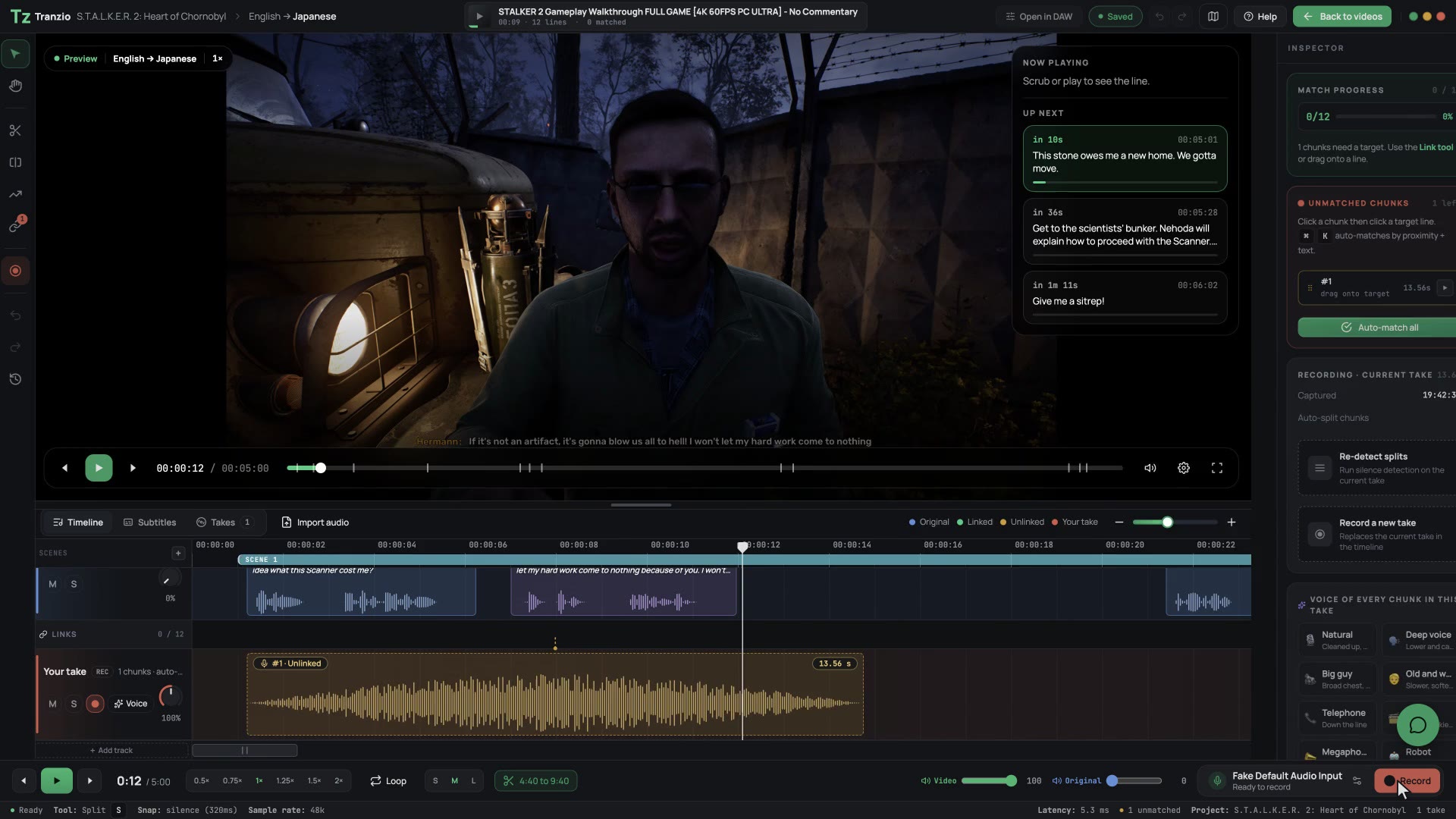
Watch what you are translating, live
Paste a YouTube playthrough. Tranzio finds each line it hears in the game, so you translate and dub right over the scene.
Every line, in one list
Text and voice side by side, each clip linked to the line it says. Translate by hand, with a team, or let AI draft it.
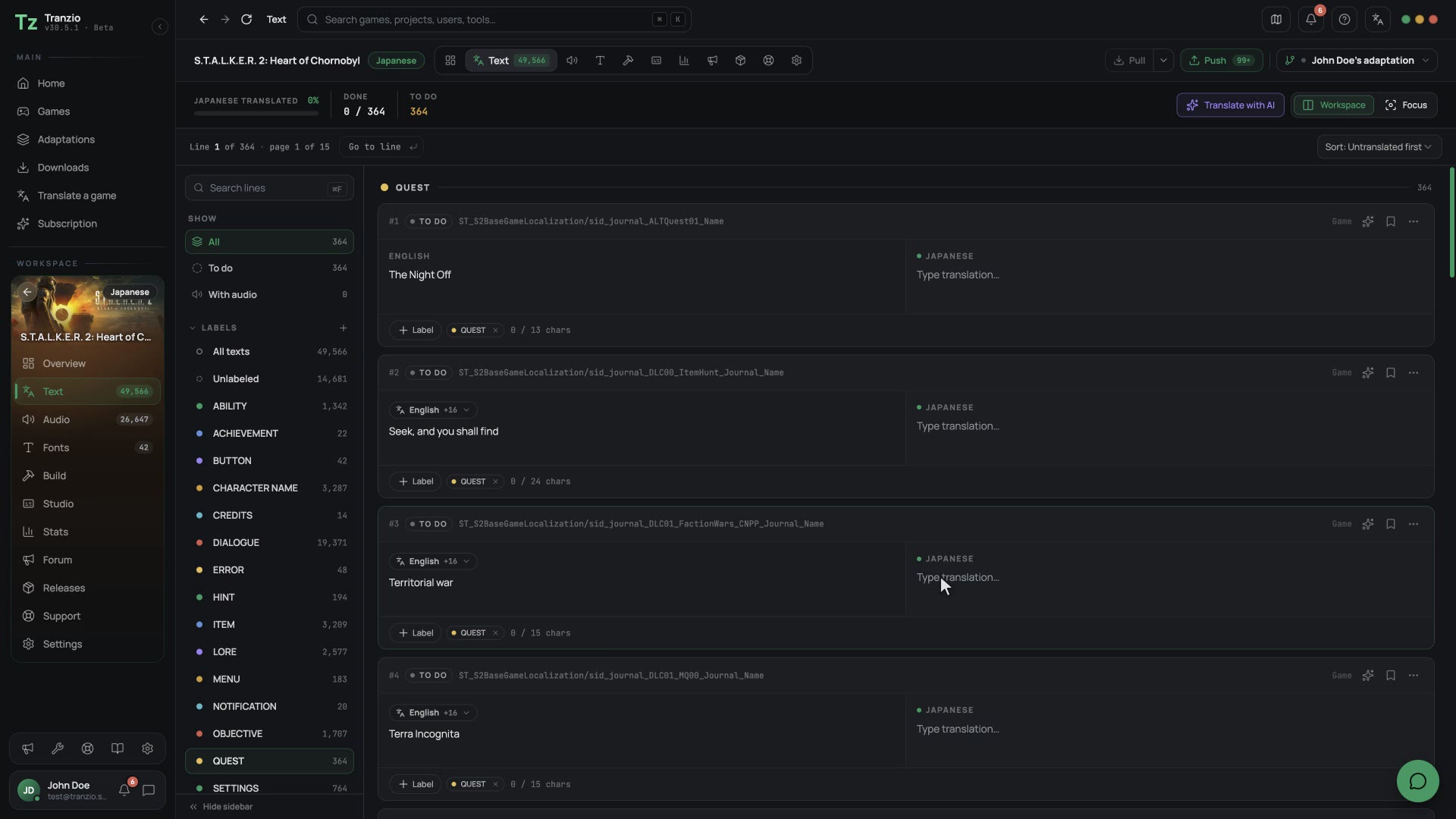
Your alphabet, then play
Missing letters get a font that has them. One click builds the patch and installs it, ready to play.
Questions
Can I play Bluey's Happy Snaps in German?
Yes, with Tranzio. Open Bluey's Happy Snaps in it and look under its translations: every German version other players have released is listed there, ready to install in one click. If there is none yet, you can be the one who makes it.
How do I install a German patch for Bluey's Happy Snaps?
Download Tranzio, point it at the folder Bluey's Happy Snaps is installed in, choose a German translation and press Install. Tranzio puts the patch beside the game rather than editing its files, so switching back to the original is one click too.
How do I translate Bluey's Happy Snaps into German?
Download Tranzio, add Bluey's Happy Snaps from the folder you installed it in, and pick German. Tranzio lists every line of text, translates alongside you if you want AI help, and builds a patch you can play and share.
Can I dub Bluey's Happy Snaps in German?
Yes. Tranzio lists every voice line of Bluey's Happy Snaps beside its text. Record German takes yourself, or generate AI voices, and play the game with your dub. Players who install your translation hear it too.
Will German letters show up in the game?
If the game's fonts cannot draw German, Tranzio shows you which ones are missing and lets you swap in a font that can, so you never see empty boxes.
Does it cost anything?
No. Tranzio is free to download, and installing a translation is free. Paid plans only add AI credits and team features for translators.
More games in German
Every game Tranzio can translate, in German: see them all.



Bluey's Happy Snaps in other languages
- English
- Georgian
- Armenian
- Azerbaijani
- Spanish
- French
- Italian
- Portuguese (Brazil)
- Russian
- Polish
- Japanese
- Chinese (Simplified)
- Korean
- Afrikaans
- Albanian
- Amharic
- Arabic
- Assamese
- Aymara
- Basque
- Belarusian
- Bengali
- Bosnian
- Bulgarian
- Burmese
- Catalan
- Chichewa
- Chinese
- Chinese (Traditional)
- Croatian
- Czech
- Danish
- Dutch
- Estonian
- Faroese
- Fijian
- Filipino
- Finnish
- French (Canada)
- Galician
- Greek
- Guarani
- Gujarati
- Haitian Creole
- Hausa
- Hawaiian
- Hebrew
- Hindi
- Hungarian
- Icelandic
- Igbo
- Indonesian
- Irish
- Kannada
- Kazakh
- Khmer
- Kinyarwanda
- Kurdish
- Kyrgyz
- Lao
- Latvian
- Lithuanian
- Luxembourgish
- Macedonian
- Malagasy
- Malay
- Malayalam
- Maltese
- Māori
- Marathi
- Mongolian
- Nepali
- Norwegian
- Odia
- Pashto
- Persian
- Portuguese
- Punjabi
- Quechua
- Romanian
- Samoan
- Scottish Gaelic
- Serbian
- Shona
- Sindhi
- Sinhala
- Slovak
- Slovenian
- Somali
- Sotho
- Spanish (Latin America)
- Spanish (Mexico)
- Swahili
- Swedish
- Tajik
- Tamil
- Telugu
- Thai
- Tibetan
- Tigrinya
- Tongan
- Tswana
- Turkish
- Turkmen
- Ukrainian
- Urdu
- Uyghur
- Uzbek
- Vietnamese
- Welsh
- Wolof
- Xhosa
- Yoruba
- Zulu
Be ready the day it speaks German.
Download Tranzio now, even if nobody has translated Bluey's Happy Snaps into German yet. When a translation lands it is one click away, and if none has, you can make it for every German speaker who owns the game.
Free · Windows and Linux